
Trial Presentation Setup Guide for Seamless Courtroom Success
- David Nguyen
- Jan 29
- 5 min read
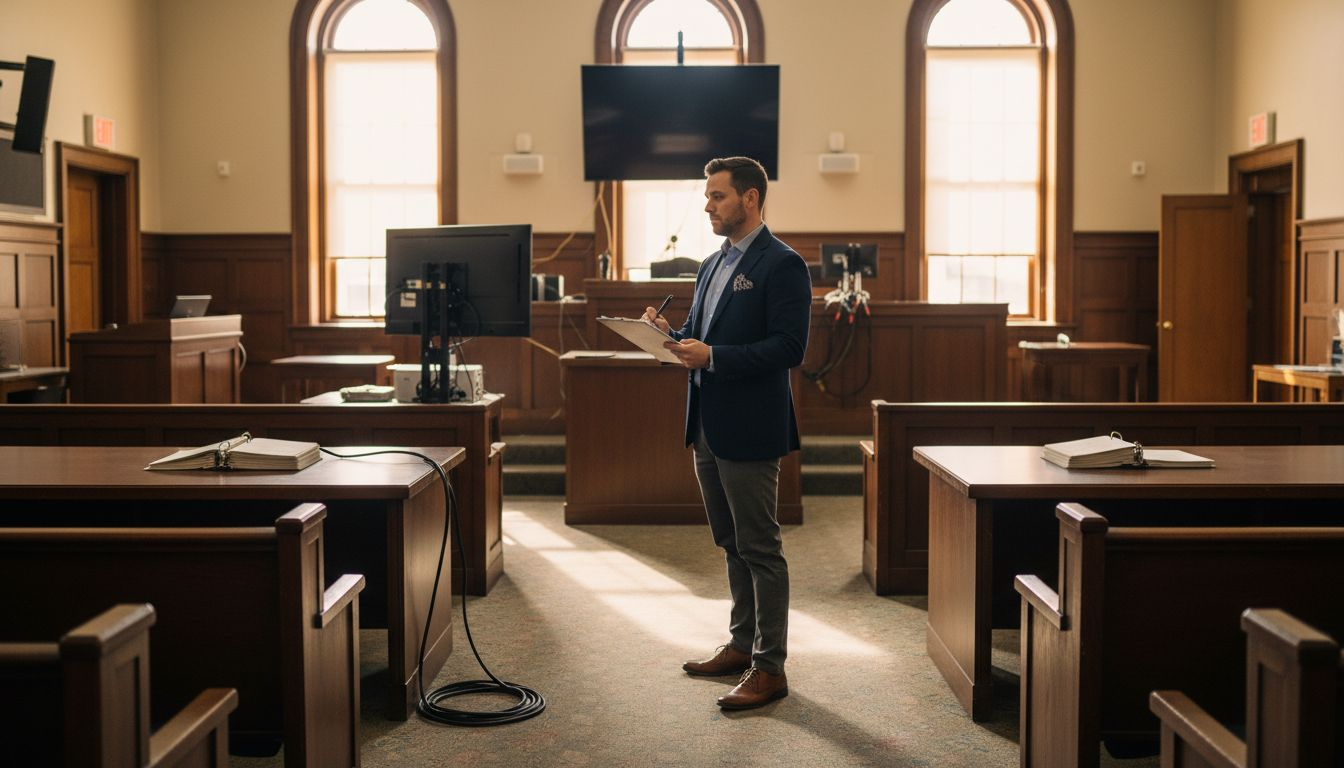
Courtrooms across the nation rarely offer a one size fits all setup, especially when dealing with complex litigation. Every detail from evidence display to technology placement can affect the clarity and impact of your case. A well planned approach means not just knowing what tools you need, but also how to navigate the unique challenges of each courtroom environment for truly efficient trial presentation support. For trial attorneys, assessing courtroom requirements and logistics is the foundation to case winning operations.
Step 1: Assess courtroom requirements and logistics
Assessing courtroom requirements is the critical first phase in preparing a seamless trial presentation. Your goal is to understand the physical and technological landscape where your case will unfold, gathering comprehensive insights that will inform every subsequent preparation step.
Begin by conducting a detailed site survey of the courtroom, focusing on key technological infrastructure and spatial constraints. This involves evaluating courtroom technology infrastructure to determine precise audiovisual capabilities, evidence display options, and potential technical limitations. Examine factors such as screen placement, electrical outlet locations, internet connectivity, and available mounting points for displays or equipment. Pay close attention to acoustics, lighting conditions, and potential sight lines that might impact your presentation effectiveness.
Document every observed detail meticulously, creating a comprehensive blueprint that will guide your technical setup strategy. This preliminary assessment allows you to anticipate potential challenges and develop targeted solutions before stepping into the courtroom.
Expert Tip: Always schedule an in person walkthrough of the courtroom at least one week before your trial to confirm your technical assessment and identify any last minute logistical considerations.
Step 2: Select and configure essential presentation equipment
Selecting and configuring the right presentation equipment is a pivotal step in creating a powerful courtroom visual strategy. Your equipment choices will directly impact how effectively you communicate critical evidence and arguments to the judge and jury.
Start by understanding the specific technological requirements for your case. Courtroom technology levels vary significantly, so carefully evaluate your needs based on case complexity. Essential equipment typically includes a laptop with robust presentation software, evidence cameras, multiple monitors, annotation tools, and reliable audio systems. Consider dedicated trial presentation software that allows seamless management of large document volumes, enabling quick exhibit retrieval and dynamic display. Prioritize tools that support various media types including images, documents, and video with smooth annotation capabilities.
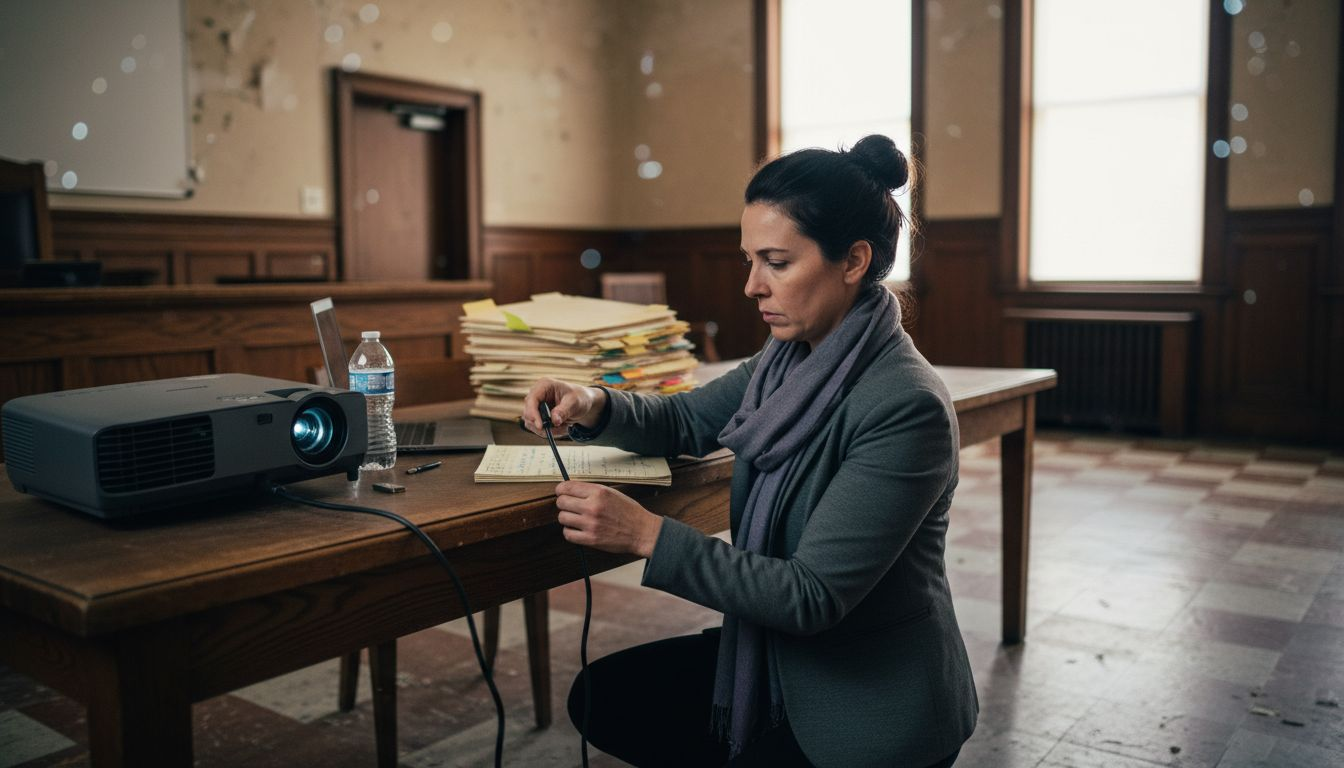
Carefully test all equipment beforehand to ensure compatibility and smooth operation. Practice switching between different exhibits, using annotation features, and managing potential technical challenges. Understanding your equipment thoroughly will prevent potential disruptions during critical presentation moments.
Expert Tip: Always have a backup device and portable hard drive with all case materials to guarantee uninterrupted presentation capabilities in case of unexpected technical failures.
Step 3: Install and test presentation software and hardware
Installing and testing your presentation technology is a critical step that can make or break your courtroom performance. Your goal is to create a seamless technological environment that supports clear and compelling evidence presentation.
Courtroom technology installation requires meticulous preparation, focusing on compatibility and reliability. Begin by systematically installing your presentation software and connecting all hardware components. Verify that your laptop interfaces smoothly with courtroom displays, ensuring proper resolution and connectivity. Test annotation tools, document cameras, and projection systems thoroughly, simulating actual courtroom scenarios. Pay special attention to audio quality, wireless connectivity, and the ability to quickly switch between different types of exhibits such as documents, images, and video files.
Conduct multiple comprehensive rehearsals to identify and resolve potential technical issues before your court date. This includes practicing exhibit transitions, annotation techniques, and troubleshooting potential connection problems. Familiarize yourself with backup procedures and alternative presentation methods to maintain professional composure in case of unexpected technical challenges.
Expert Tip: Create a detailed technical checklist with step by step troubleshooting procedures and keep digital and printed copies readily available during your presentation.
Step 4: Prepare and organize digital exhibits for display
Digital exhibit preparation is a critical component of modern trial presentation that demands precision and strategic organization. Your objective is to create a comprehensive and easily navigable digital evidence collection that supports your case narrative.
Exhibit management requires systematic digital organization, focusing on accessibility and chain of custody. Start by creating a master digital folder with clearly labeled subfolders for each category of evidence such as documents, photographs, video recordings, and expert reports. Develop a consistent naming convention that includes exhibit number, type, date, and brief description. Ensure all files are converted to court acceptable formats like PDF for documents and MP4 for video, maintaining high resolution and clarity. Prepare digital copies with identical formatting to physical exhibits to prevent potential challenges regarding authenticity.
Review each digital exhibit meticulously for clarity, completeness, and relevance. Create a detailed index that cross references each exhibit with its corresponding digital file, making it simple for judges and opposing counsel to locate and review evidence quickly. Implement redundant backup systems by storing exhibits on multiple secure devices and cloud platforms to prevent potential technical failures.
Expert Tip: Conduct a comprehensive pre trial digital exhibit review with your entire legal team to ensure consistent understanding and seamless presentation strategy.
Achieve Seamless Courtroom Success with Expert TrialTech Support
The guide outlines the essential challenges of courtroom technology setup such as assessing logistics, selecting reliable equipment, and executing flawless system tests. These steps require precision to avoid disruptions like audio malfunctions or file format errors that can undermine your case presentation. Your goal is clear: to create a smooth and compelling trial presentation environment that captures the attention of judges and juries while minimizing technical risks.
Do not leave your courtroom technology to chance. With TrialTech Support LLC, you gain access to skilled presentation technicians, trusted onsite IT+ support, and comprehensive pretrial logistics management. Our team ensures your equipment is configured impeccably and your digital exhibits are perfectly organized. We help you master every detail from courtroom technology infrastructure to executing confident mock runs.

Ready to turn your trial presentation plan into flawless execution Visit TrialTech Support today and secure the expert assistance you need. Explore how our tailored trial technology services align precisely with the steps highlighted in the Trial Presentation Setup Guide for Seamless Courtroom Success. Act now to ensure your courtroom technology functions flawlessly when it matters most.
Frequently Asked Questions
What are the key steps in preparing for a trial presentation?
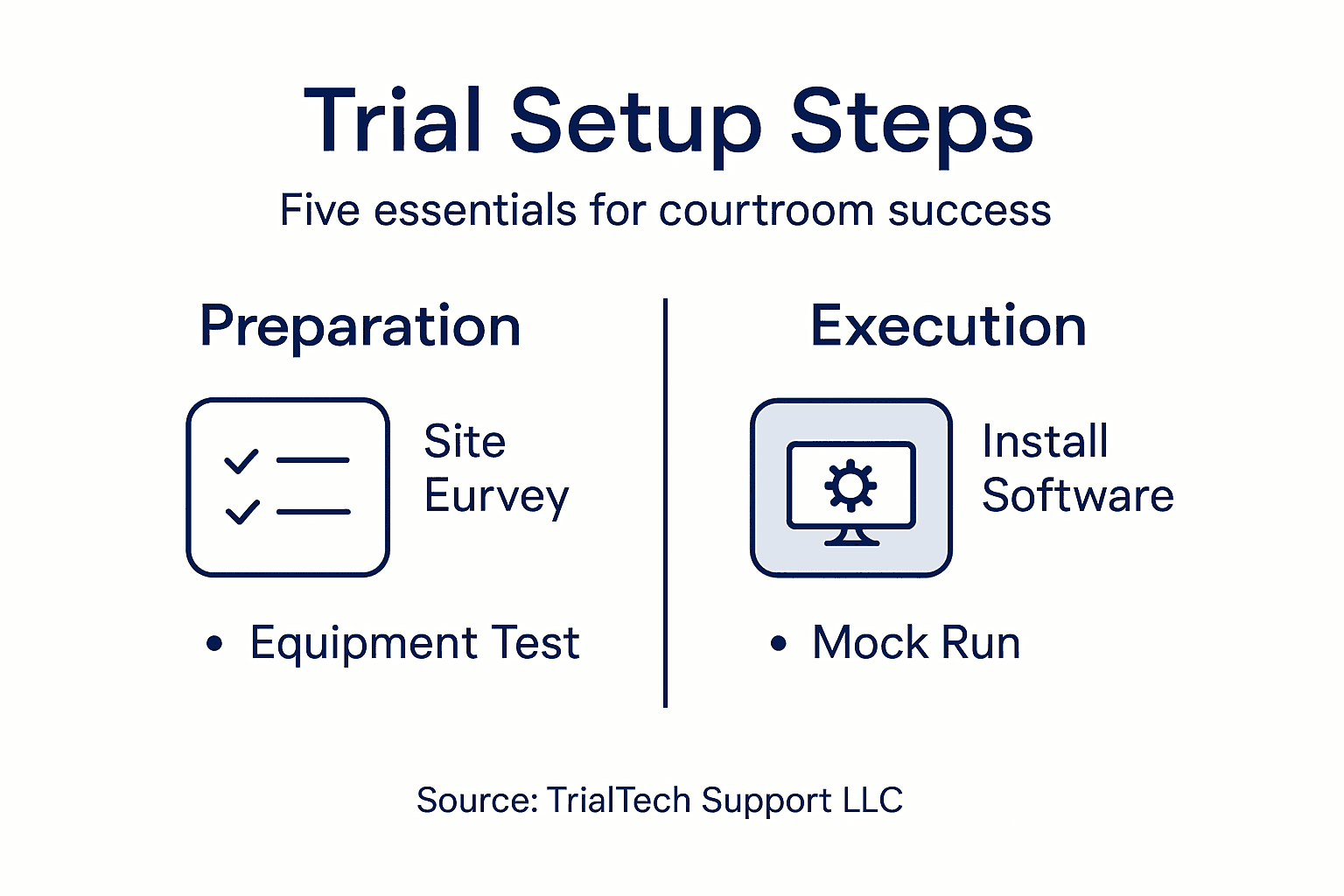
To prepare for a trial presentation, focus on five key steps: assess courtroom requirements, select and configure presentation equipment, install and test software and hardware, and organize digital exhibits. Start by thoroughly surveying the courtroom to understand its layout and technology.
How can I ensure my presentation equipment works smoothly in court?
To ensure smooth operation of your presentation equipment, test all components and practice using them before trial day. Perform a full rehearsal with your equipment to identify any potential issues and familiarize yourself with quickly transitioning between exhibits.
What should I include in my digital exhibit preparation?
In your digital exhibit preparation, include a master folder with clearly labeled subfolders for different types of evidence and ensure all files are in compatible formats. Organize your digital exhibits systematically, and create an index that easily correlates exhibits with digital files.
How do I conduct an effective mock run for my trial presentation?
Conduct an effective mock run by simulating actual courtroom conditions with your complete presentation setup. Involve your entire team in this rehearsal to ensure everyone understands their role and can troubleshoot any unforeseen issues during the trial.
What are some potential technical challenges during a trial presentation?
Potential technical challenges include unreliable internet connections, audio malfunctions, and display issues. Prepare solutions by ensuring you have offline backups, testing your equipment beforehand, and checking the screen placement for optimal visibility.
How can I document my technical setup for future reference?
Document your technical setup by creating a comprehensive checklist that includes all equipment, installation steps, and troubleshooting procedures. Keep both digital and printed copies readily available for easy access during your presentation.